
Car Parking Multiplayer Cars Disappeared: How to Fix It
You updated Car Parking Multiplayer, opened your garage, and your cars are gone. Many players panic when they notice car parking multiplayer cars disappeared from their virtual garage. Some slots are empty, and some have random cars you never owned. It feels terrible after all the time and money you spent on your collection. The good news is that in many cases your cars are not deleted, and this guide will show you simple steps to get them back.
What Do Car Parking Multiplayer Cars Disappeared Really Mean?
Not all missing cars are the same. Before you try any fix, find out which type of problem you have. This will save you time and stress.
- Type 1: A glitch after the update. Your cars are hidden because of a sync problem. You may see empty slots or random cars in your garage. These can usually be recovered.
- Type 2: An account problem. You may be logged into the wrong account, or you reinstalled the game before your data loaded. If you never saved your progress, your cars may not show up.
- Type 3: Limited-edition cars. Some special cars, like the Toyota Fortuner and Ford F-650, can no longer be bought in the shop. They are not lost because of a glitch, but they are simply no longer available.
Which type are you?
| What you see | Likely type |
| Empty slots or random cars in your garage | Type 1: Glitch |
| Your old profile or cars won’t load | Type 2: Account problem |
| You can’t find a special car in the shop | Type 3: Limited edition |
Tip: Most players fall into Type 1, and it has the easiest fix.
Signs Your Cars Are Missing Because of a Glitch
How do you know if your problem is a glitch and not something else? Look for these signs after you update the game.
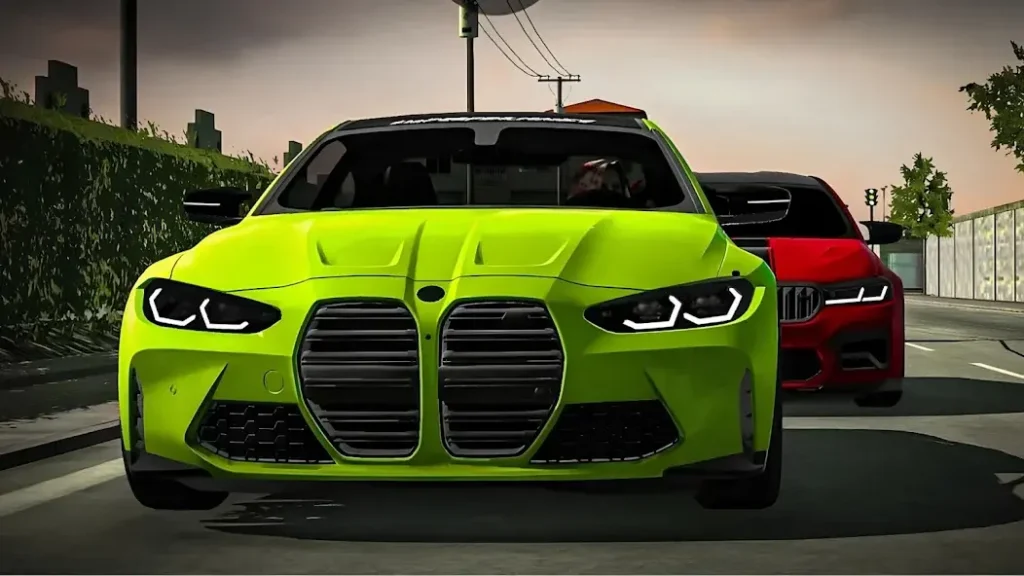
- Empty garage slots. Slots that held your cars yesterday now show nothing.
- Random cars in your slots. You see cars you never bought or owned. This is a common sign of this glitch.
- A “Cars are not available” message. This can show up when the game has trouble loading after an update.
- Cars missing right after the update. Everything was fine before you updated, and the problem started right after.
Why It Happens After an Update
There is no official reason from the developers for every case. But based on player reports and the game’s own update notes, these are the most likely causes.
- Your game and your account get out of sync. After an update, the game may not load your saved cars correctly right away.
- Your progress was not saved. If you never tapped Save Progress before updating, the game may not have your latest data.
- Server maintenance or bug fixes. Sometimes the servers are still being fixed after a new update, which can cause missing items or errors.
- You use one account on more than one device. If you don’t save manually before switching devices, your data may not sync properly.
- You reinstalled or switched accounts too early. Logging into a new profile before your old data loads can make your cars look like they are gone.
Quick Fix: Delete Random Cars, Log Out, and Log Back In
This is the main fix shared on the official Car Parking Multiplayer Facebook page. It works best if you see empty slots or random cars in your garage. Following these steps will resolve the car parking multiplayer cars disappeared glitch and restore your missing vehicles to your garage.
- Open your garage and look for any cars you don’t recognize.
- Delete the random cars. Remove any unfamiliar cars from your garage slots first.
- Log out of your in-game account.
- Log back in to the same account.
- Check your garage. Your missing cars should show up again in the empty slots.
Warning: Don’t skip step 2. Clearing the random cars first gives your real cars space to come back. Also, make sure you log back in to the same account, not a new profile.
Other Fixes to Try if the Quick Fix Doesn’t Work
If your cars are still missing, don’t worry. Try these fixes one by one, and check your garage after each step.
- Check your internet. A weak connection can stop your cars from loading. Switch between Wi-Fi and mobile data to see if it helps.
- Restart the game and your phone. Close the game fully, restart your phone, and open the game again.
- Clear the cache only. Go to Settings > Apps > Car Parking Multiplayer > Storage and tap Clear Cache. Don’t tap Clear Data unless your account is already saved.
- Check your account. Make sure you are logged into the right one, such as your email, Google Play, Apple ID, or Facebook account.
- Update the game. Make sure you have the latest version from the Play Store or App Store, since a newer update may include a fix.
- Wait a few hours. If the problem started right after an update, the servers may still be getting fixed. Try again later.
What If You See “Cars Are Not Available” or World Sale Problems?
Sometimes the problem is not your account. After an update, the World Sale feature can have trouble loading, and you may see a “Cars are not available” message or missing items.
This can happen when the servers are under maintenance or the developers are fixing bugs from the update. In this case, your cars are usually safe, and the problem is on the game’s side.
If your car parking multiplayer cars disappeared, checking connection status or waiting for a patch usually helps.
Here is what you should do:
- Wait and try again later. Give it a few hours, then open the game again.
- Check your internet. Make sure your connection is stable.
- Don’t panic-buy or reinstall. Uninstalling or buying things again will not fix a server problem.
- Keep the game updated. A new patch may solve the issue.
Car Parking Multiplayer Mod APK
If you want to download the fully unlocked game with unlimited features, you can visit our homepage for the latest Car Parking Multiplayer Mod APK.
Sometimes game updates cause garage glitches, so if you are facing missing car issues, try installing one of the older versions of the game to restore your progress.
You can check game updates on Google Play Store.
Limited-Edition Cars: Missing or Gone for Good?
Sometimes a car is not missing because of a glitch. It may be a limited-edition car that is no longer available in the game. Many players mix these two problems up.
According to a player video, the first limited-edition cars in Car Parking Multiplayer 1 were the Toyota Fortuner and the Ford F-650. These can no longer be claimed or bought in the game shop. Newer event cars, like the Toyota Celica and the Mercedes W124, were earned in a truck event for the Nürburgring.
How to Protect Your Cars Before the Next Update
Once you get your cars back, take a few minutes to protect them. These simple habits can save you from the same problem in the future.
- Always tap Save Progress. Link your account to an email so your cars and data are saved.
- Exit the game from the menu. Don’t force-close the game. Use the exit option in Settings so your progress can save properly.
- Save manually before switching devices. If you play on more than one device, save your progress on the first one before you open the game on another.
- Take screenshots of your garage. Keep photos of your cars and key details. They can help you prove what you owned if you need support.